Diving into weather apps and their
multiple layers of complexity.

Project Overview
How it started
The main research goal was to understand better our user’s motivations, beliefs, desires, and expectations surrounding the use of weather apps. We also aimed to understand the minimal amount of information users needed to make weather-based decisions, so we created a 5Ws framework to gather all the information we had in a clear and concise manner.

1-on-1 User Interviews and Surveys
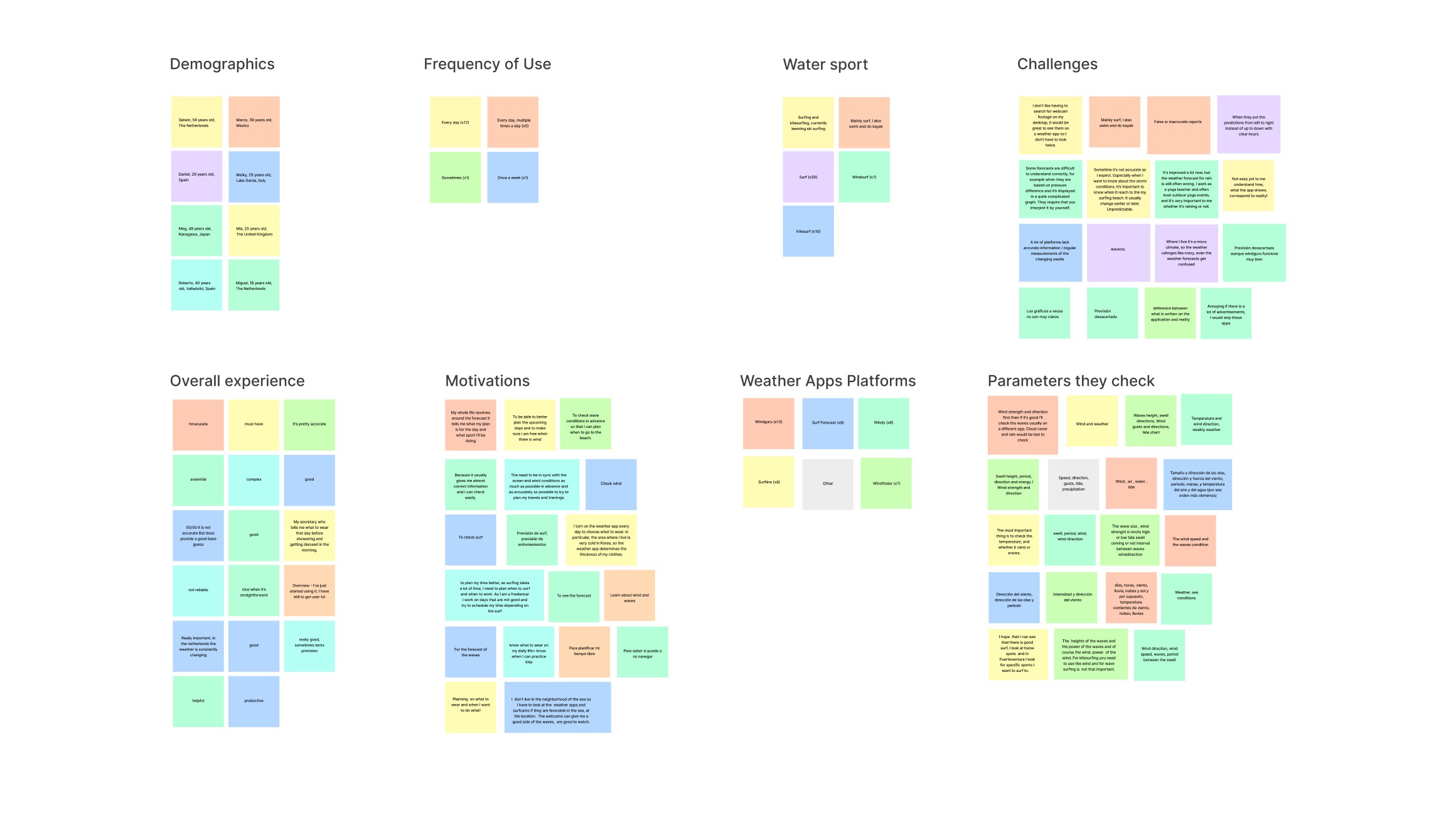
We began conducting user interviews on Zoom to understand user’s learning experience with weather apps. We also wanted to know about their goals and frustrations with weather platforms. After the first round of card sorting users’ responses, we translated them into categories that outline user preferences and restrictions and this resulted in our first insights.
 Open in Figma

Competitor Analysis
Analyzing Weather and Fitness Applications
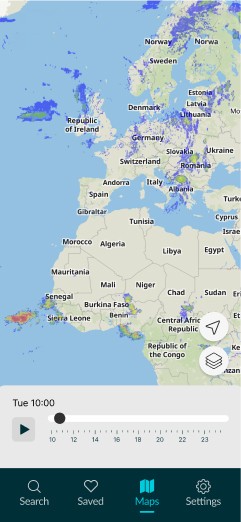
We analyzed both weather and fitness apps to gain insights into their content presentation methods. Specifically, we examined examples of progressive disclosure in Weather Apps taking inspiration from the thumb-accessibility of “Windfinder” for instance. We also took inspiration from the “AllTrails” app, which enables users to create lists with their saved locations. Lastly, we looked at how apps like "Met Office" use color to provide more information on the map layers.
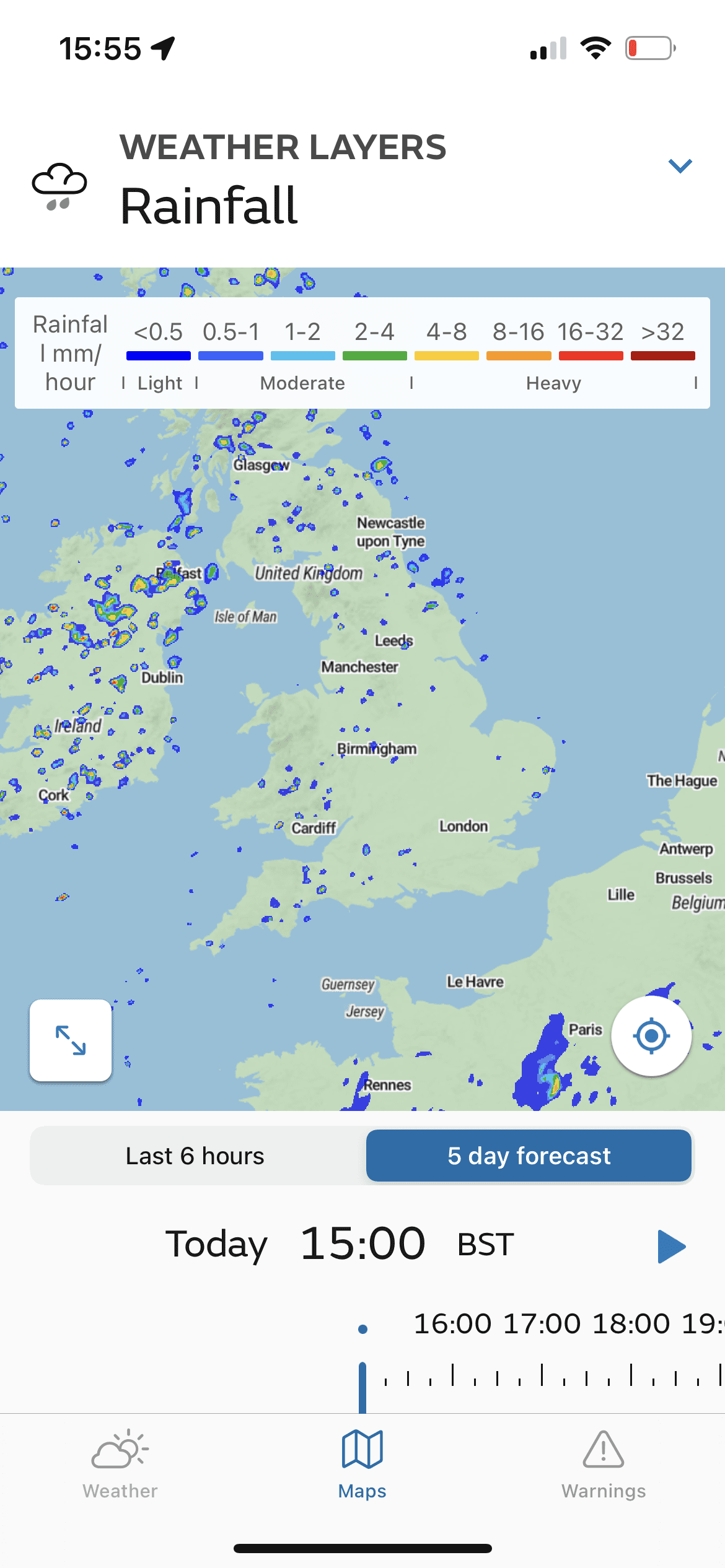
Map Layers' Legend
Takeaways to Competitor Analysis
1
Generic vs specific
Some Weather apps target
users worldwide, others specific
countries. Some are targeted to
1 water sport, others too all.
3
Information Overload
Many weather apps have
legibility issues due to presenting
too much info without considering
the user’s context.
Competitor Analysis
Analyzing Weather and Fitness Apps
We analyzed both weather and fitness apps to gain insights into their content presentation methods. Specifically, we examined examples of progressive disclosure in Weather Apps taking inspiration from the thumb-accessibility of “Windfinder” for instance. We also took inspiration from the “AllTrails” app, which enables users to create lists with their saved locations. Lastly, we looked at how apps like "Met Office" use color to provide more information on the map layers.
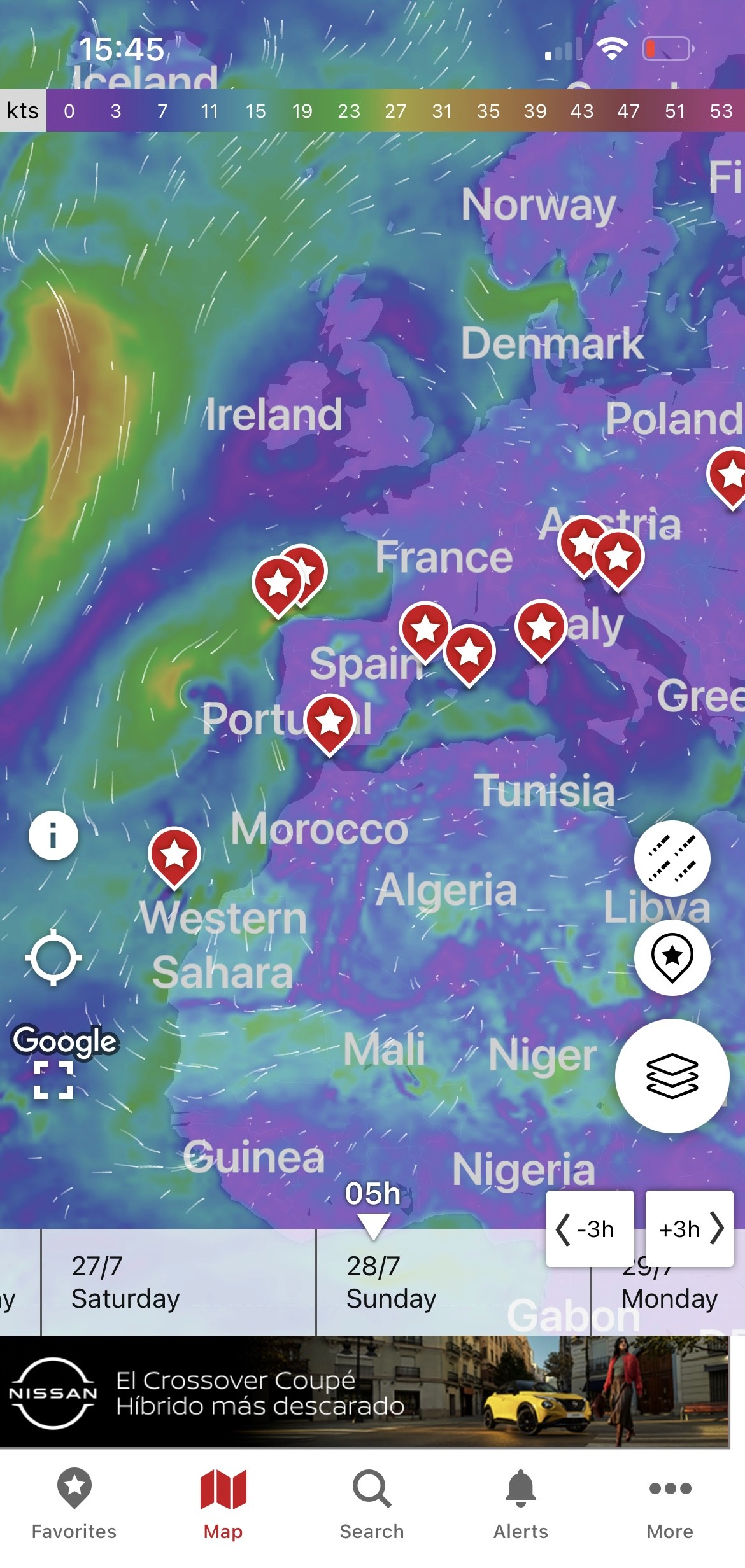
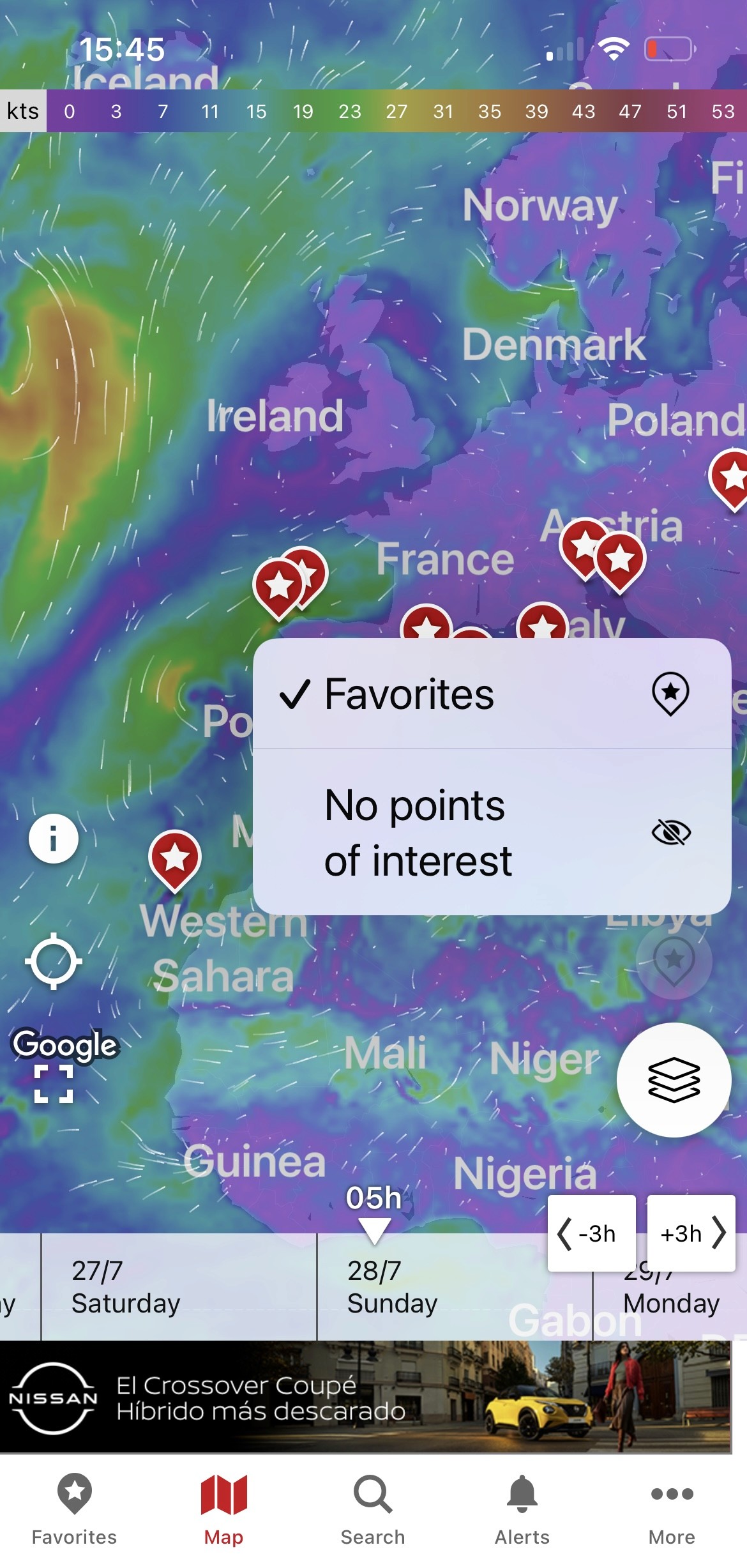
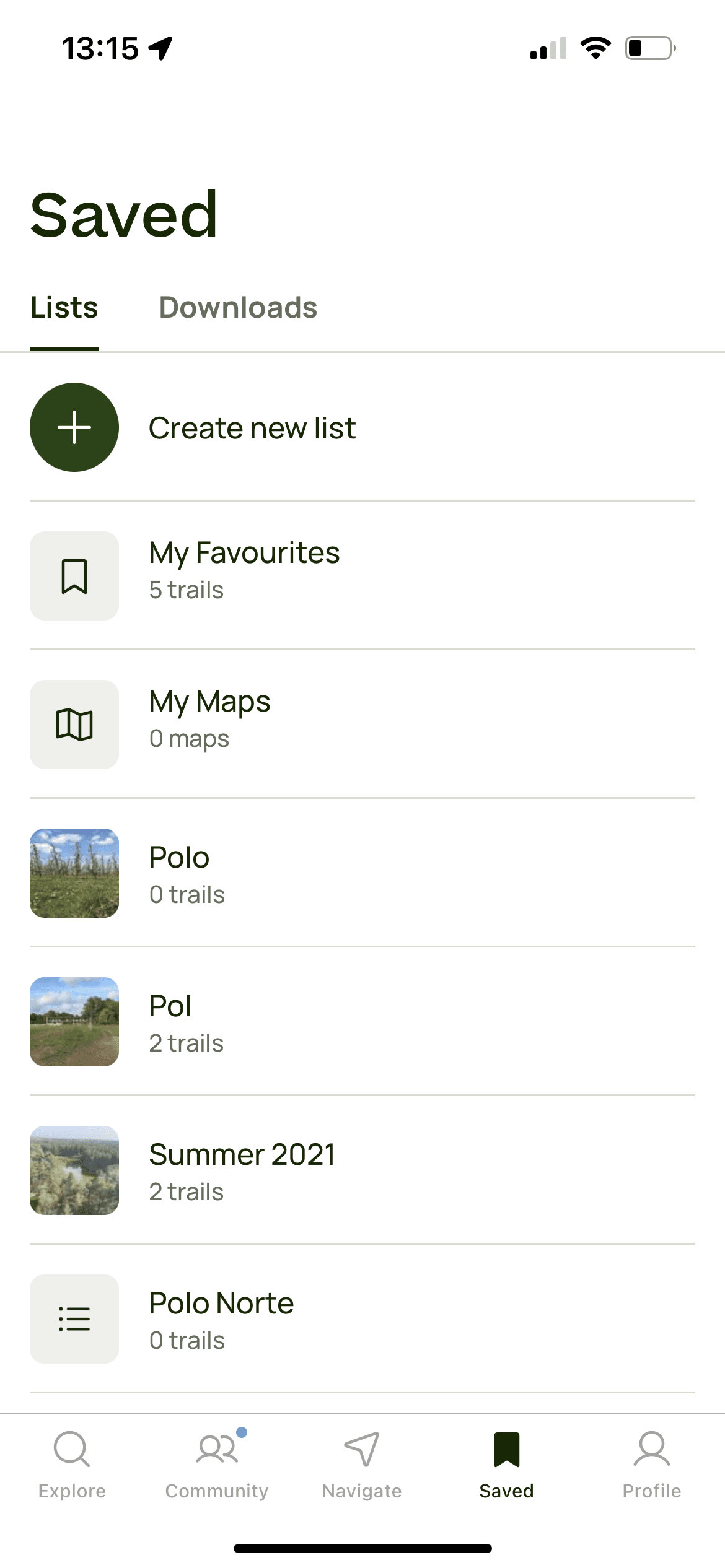
Windfinder's Map Page
Progressive Disclosure
Saved Items
Map Layers' Legend
First Iteration Results
Usability Testing our First Mid-fi Iteration
We conducted 6 usability tests with users of different ages, from different parts of the world to understand how they look for a specific location, the key information they need to make decisions based on the weather, and the ease of use of the map layers.
Insights that informed our Second High-Fi Iteration
- 4 out of 6 users wouldn’t use the search bar to look for a location, but rather move through the map.
- 4 out of 6 users felt interested and/or excited about organizing their locations in a way that makes sense to them.
- 5 out of 6 users considered some parameters to be unimportant for the water sport they practice (there are some of the parameters they don’t even look).
Ideating the "Maps Page"
Sketch
Ideation 1
Iteration 1
Iteration 2
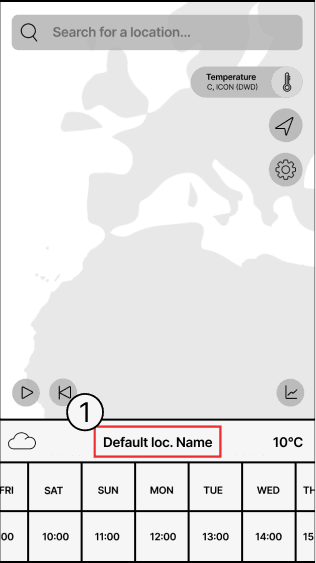
We designed the initial screen to display a default map view. When users entered a location in the search bar,
it appears as the 'Default Location Name'.To avoid information overload, we added a navigation bar for separate access to settings and other features.
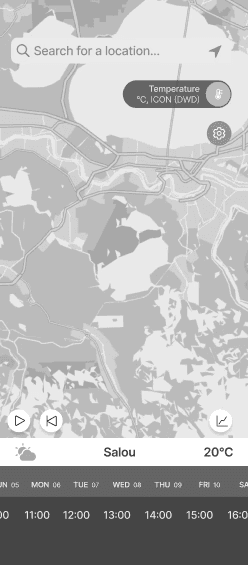
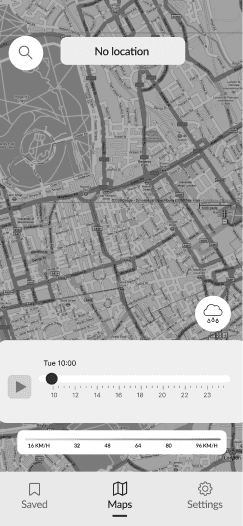
Testing showed that 4 out of 6 users panned the map instead of using the search bar, so we separated the 'Search' feature to test how dependent users are from this feature. We also replaced the cloud icon with a map layers icon for more intuitiveness.
Ideating the "Search Page"


Sketch
Iteration 1
Iteration 2
In the first sketches the search bar was part of the map and when the user searched for a location it would appear instead of the “Default Location” description.
In the second wireframes session, the user is able to see his "Home Spot" locations and "Saved" locations.
Testing showed that 4 out of 6 users panned the map instead of using the search bar, so we separated the 'Search' feature to test how dependent users are from this feature. We also replaced the cloud icon with a map layers icon for more intuitiveness.